

Dark abstract 3D background with metallic curved shapes and diagonal lines.

ENGINEERING & DESIGN

WORKSTATIONS BUILT FOR SIMULATION CAD & FEA

The same hardware that runs your complex assemblies in SolidWorks runs your Ansys solvers overnight. We configure workstations around the software you actually use — so you get the right balance of CPU cores, GPU compute, and memory for your workflow.

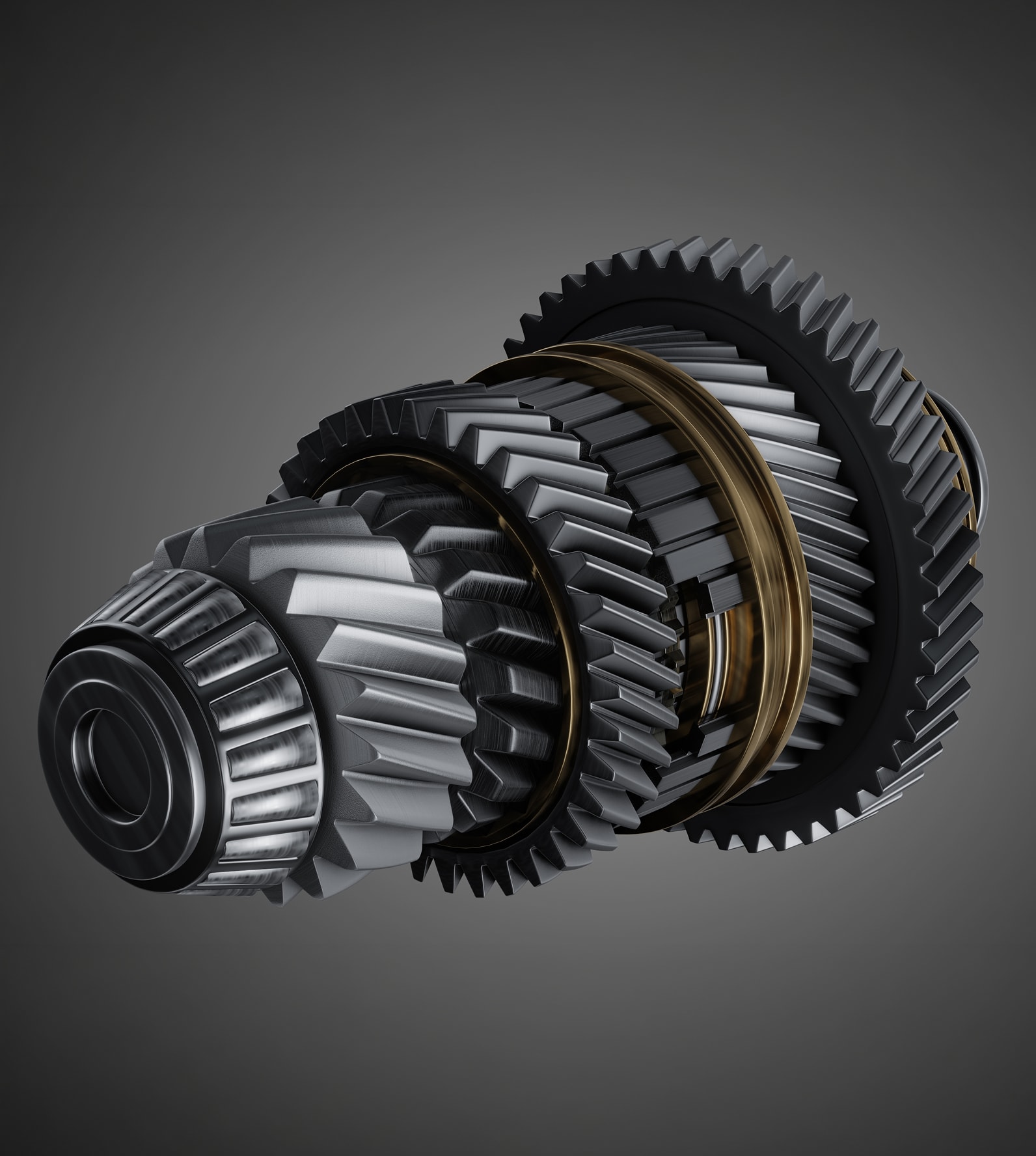
Rendered transmission gear assembly with helical gears and synchronizer rings.

THE CHALLENGE

DESIGN AND SIMULATION SHARE MORE HARDWARE THEN YOU THINK

Engineering teams rarely do just one thing. The same group modeling complex geometry in Fusion 360 or CATIA often needs to run CFD, FEA, or thermal simulations on the same machine — or hand off to a solver farm down the hall.


Both workflows are compute-intensive, but in different ways. CAD and interactive modeling demand strong single-threaded CPU performance and professional GPU acceleration for viewport responsiveness. Simulation solvers — structural, thermal, electromagnetic — need as many cores and as much memory as you can give them.


The right workstation handles both without compromise. We configure systems around the specific mix of applications your team runs, so nothing is bottlenecked.

WORKFLOWS

WHAT THESE SYSTEMS HANDLE

Whether your day is spent in a parametric modeler or waiting on a solver, these platforms are configured for the compute profile your applications need.

SOFTWARE ECOSYSTEMS

CONFIGURED AROUND THE TOOLS YOU RUN

We validate hardware configurations against the specific applications your team
depends on. Tell us what you run — we'll build the system to match
Ansys
Dassault SIMULIA
Dassault SOLIDWORKS
Siemens Simcenter
Siemens NX
Autodesk Fusion 360
PTC Creo
Remcom XFdtd
Particleworks
OpenFOAM
Abaqus
Nastran
STAR-CCM+
COMSOL